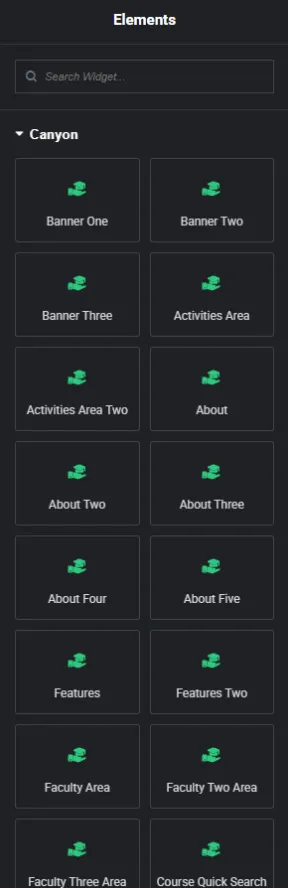
Elementor Page Builder comes with a wide range of built-in widgets by default. To enhance your experience and extend the functionality of your website, Caynon includes several custom Elementor widgets tailored specifically for this theme.
Where to Find Caynon Widgets
- Open any page or post in Elementor Edit Mode.
- On the left sidebar, scroll down to the Caynon section.
- Here, you will find all the custom widgets designed exclusively for the Caynon theme.
Using Caynon Widgets
- Simply drag and drop any Caynon widget into your page layout.
- Customize the widget settings directly within Elementor’s intuitive interface.