The Caynon theme includes a powerful and easy-to-use Theme Options panel that allows you to customize the appearance and functionality of your website without touching any code.
To access the Theme Options panel:
- Log in to your WordPress Dashboard.
- Navigate to:
Dashboard → Theme Options
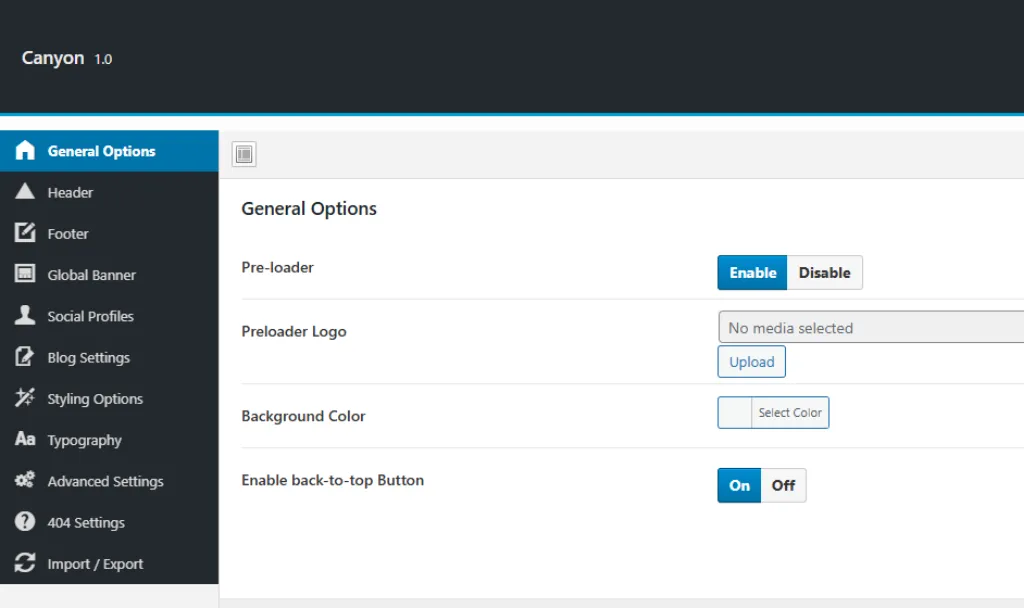
From here, you can customize various aspects of your website, such as:
- General Options
- Header Settings
- Footer Settings
- Colors & Typography
- Blog & Single Post Layouts
- Page Settings
- Custom CSS & Scripts
- And much more…
After making changes, always click Save Changes to apply your updates.